Two-Factor Authentication (2FA): How It Works and Protects Your Account
2FA confirms your identity using two different types of proof instead of just a password. This guide covers how it works, the three authentication factors, common methods, and their limits.

What Is 2FA (Two-Factor Authentication)?
Ever wonder why your bank still asks for ID even after you've signed for a large withdrawal? A signature gets copied. Forged, even. Pairing that signature with something separate, an ID card nobody else is carrying, closes the gap a signature alone leaves wide open. That's the whole idea behind what is 2FA at its core.
Grasping what is 2FA really comes down to two independent proofs instead of one. Something memorized, paired with something physically held or something biologically yours. A password covers just the first piece. Add a second, separate piece, and a stolen password stops being enough on its own.
Does this mean a compromised account becomes untouchable? Not quite. What changes is which specific attack still works. Someone holding nothing but a leaked password now hits a wall that wasn't there before.
Watching what is 2FA actually looks like during a real login beats reading a paragraph about the concept.
Create an account and see what a real two-step login process actually looks like.
Go to Pocket BrokerWatching this happen during an actual login beats reading about it in the abstract. Seeing the two-step process happen in real time makes the mechanics obvious in a way a description alone doesn't.
Create a Pocket Broker account and see what a real two-step login process actually looks like.
How Does 2FA Work?
Same shape, every time, regardless of which method sits behind it. First factor goes in, usually a password. A prompt for the second factor follows. That second factor gets confirmed. Only then does access actually open up. That's two factor authentication in its most basic form.
Nothing complicated about the two steps themselves. First factor: something memorized. Second factor: something else entirely, which is the entire point of two factor authentication, so a leaked password alone doesn't clear that second checkpoint.
Checking how two factor authentication actually plays out on your own device, through your try Pocket Broker demo, beats reading through the sequence in the abstract.
The Three Authentication Factors
Three buckets, and 2fa authentication draws from at least two of them: something you know, a password or PIN. Something you have, a physical device or code generator. Something you are, a fingerprint or other biometric trait. Mixing categories is what actually defines the approach, not just stacking two different-looking steps.
Do all three categories carry equal weight? Not really, not in every situation. What matters for real 2fa authentication is that the two factors come from genuinely different categories, never two steps drawn from the same bucket.
Common Types of Two-Factor Authentication
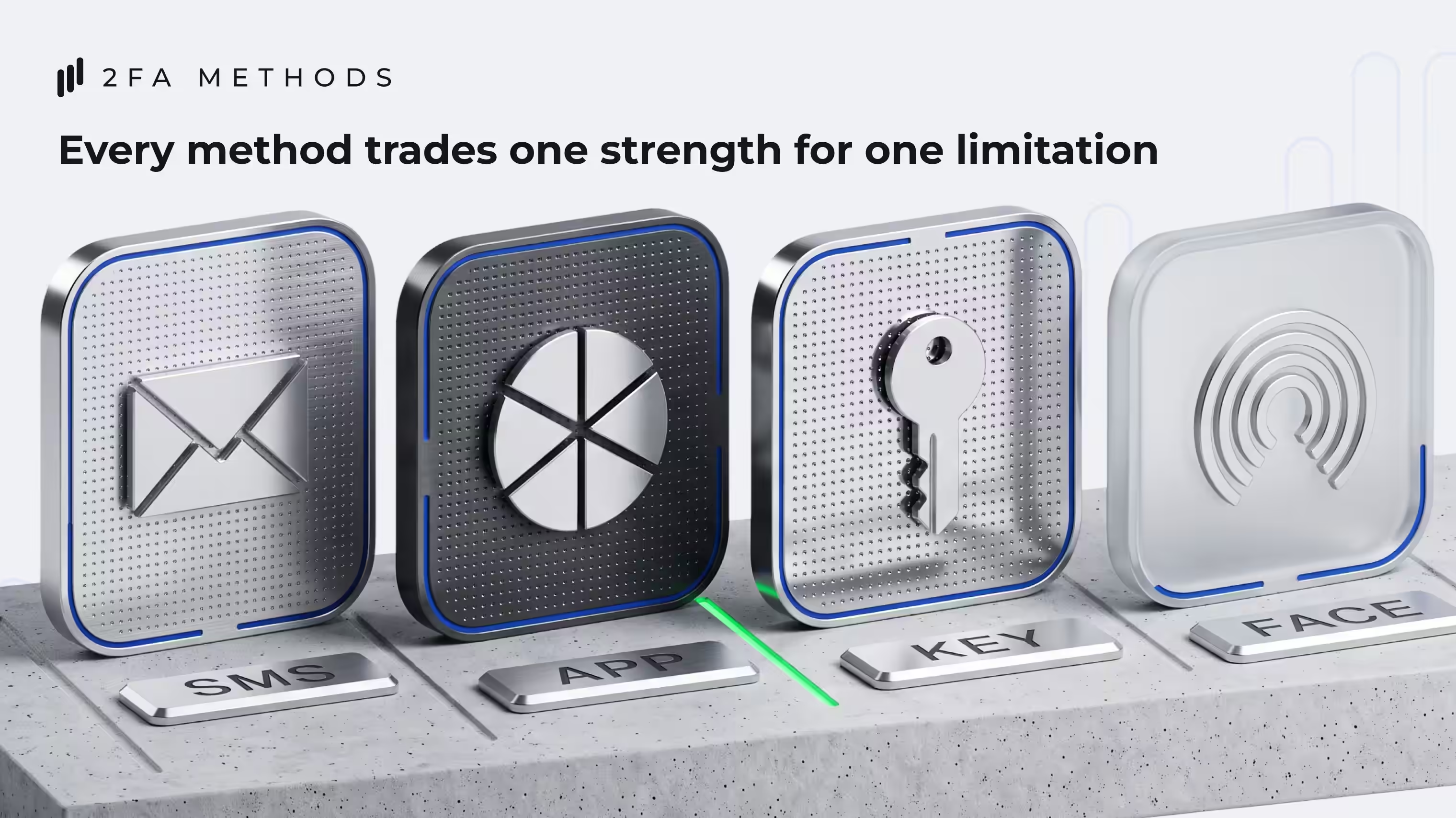
Different methods, different ways of handling that second factor. SMS texts a one-time number to a registered phone. Authenticator apps generate a rotating code right on the device, no network connection needed at the moment of login. Security keys and passkeys use a physical device or stored credential that confirms presence directly. Biometrics confirm a fingerprint, a face, something tied to the specific device in hand.
Method | How It Works | Key Limitation |
|---|---|---|
SMS code | A one-time code gets texted to a registered phone number | Vulnerable to SIM-swapping and number interception |
Authenticator app | A rotating code generates locally on the device | Losing the device without a backup can lock out access |
Security key / passkey | A physical device or stored credential confirms presence directly | Requires having the specific key or device on hand |
Biometrics | A fingerprint, face, or similar trait confirms identity | Tied to a specific device, doesn't transfer easily across devices |
So how does 2fa work best across these methods? Recognizing none of them is flawless alone. Each one trades one kind of convenience for one kind of limitation.
Why 2FA Adds Security Beyond a Password
A password leaked in a breach, guessed through a pattern, or handed over through a phishing attempt still leaves an account wide open, if that password is all that's standing guard. A second, independent factor changes that math specifically.
The real value behind 2fa security isn't an unbreakable account. It's removing a single point of failure. An attacker now needs two genuinely different things, not one.
Can 2FA Protect You from Phishing?
Can 2FA stop phishing outright? Not entirely. It shrinks the value of a stolen password, sure, but not every method resists social engineering. Convince someone to hand over a one-time code, or approve a push notification they never actually requested, and some setups still fall for it. Phishing-resistant standards, FIDO and WebAuthn among them, exist specifically to close that gap, which is exactly why CISA recommends them where available.
How to Use 2FA More Safely
A short list of habits cuts risk, whatever method ends up in use:
Never hand a one-time code to anyone who calls or messages asking for it
Look twice at any confirmation request before tapping approve, especially the unexpected ones
Keep whatever device or app holds the second factor locked down and secured
Set up backup or recovery options now, before they're actually needed
Pick the strongest method on offer, whenever there's a real choice
Do these habits guarantee a fully secure account? No. Reducing risk isn't the same as erasing it, and 2FA works best as one layer stacked among several, not a single fix that ends the conversation.
Risk Disclaimer: Trading involves significant risk of capital loss. This article is for educational purposes only and does not constitute financial advice. Always conduct independent research and consider your risk tolerance before making any trading decisions.
See more:Regulation & Safety